Before You Start
ReBattery pays sellers through Stripe Global Payouts. You add your bank details in a Stripe-hosted form. You do not need a Stripe merchant account or dashboard.
You do not need payout details to publish a listing or agree a transaction. They must be active before ReBattery can release your payment. It takes about two minutes.
Step 1: Open Billing Settings
Go to Settings → Billing. The Stripe card shows Not configured until you add details. Select Set up.
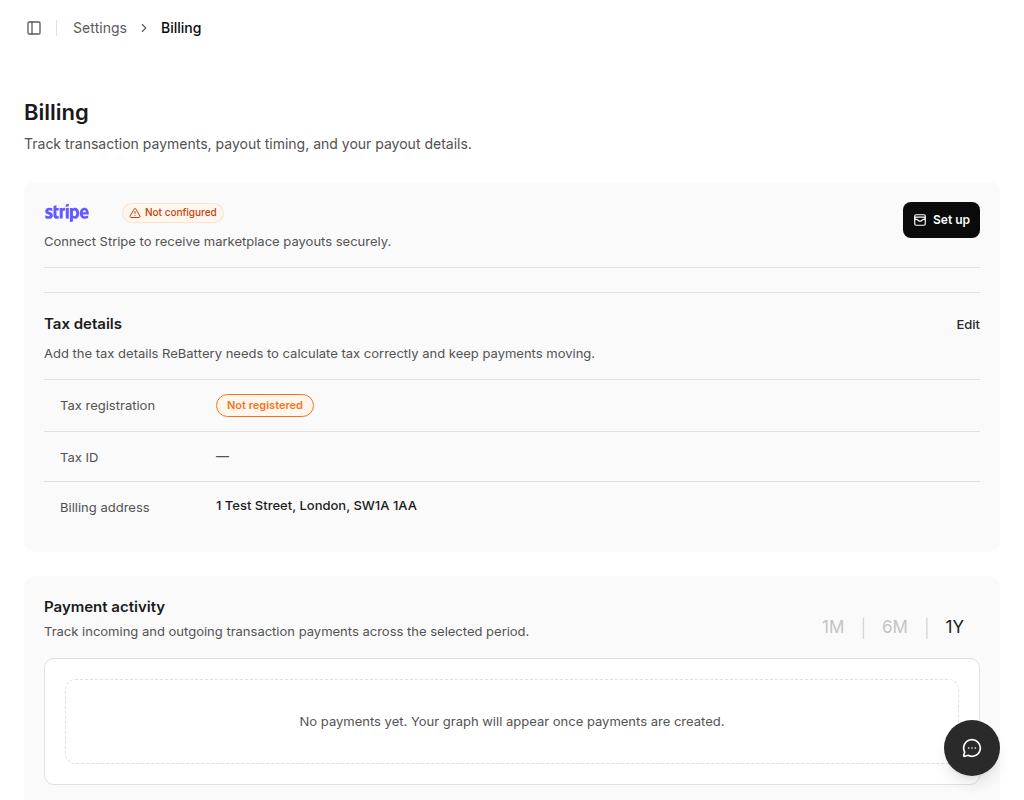
Step 2: Continue to Stripe
You move to a Stripe-hosted page that shows ReBattery as the sender. Select Continue.
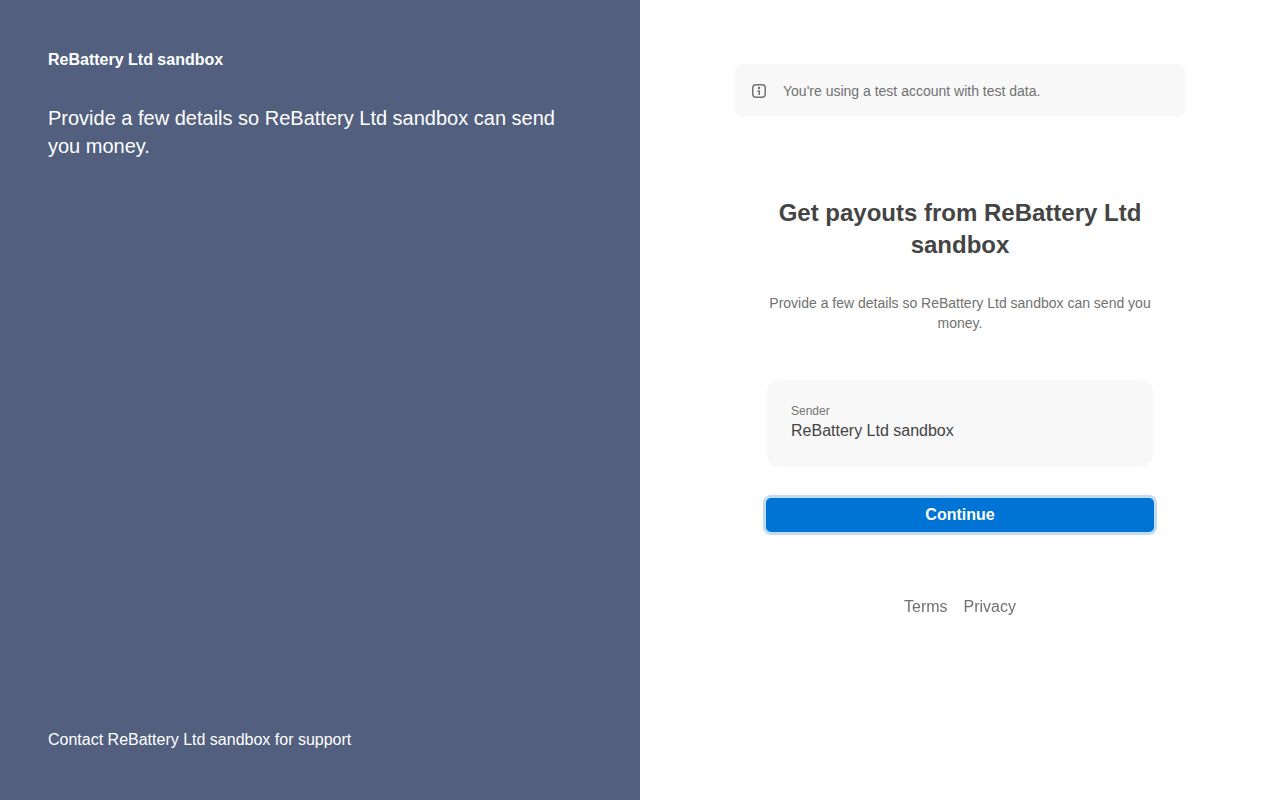
Step 3: Enter Recipient Details
Choose Individual or Company and enter the legal name. It must match the name on the bank account.
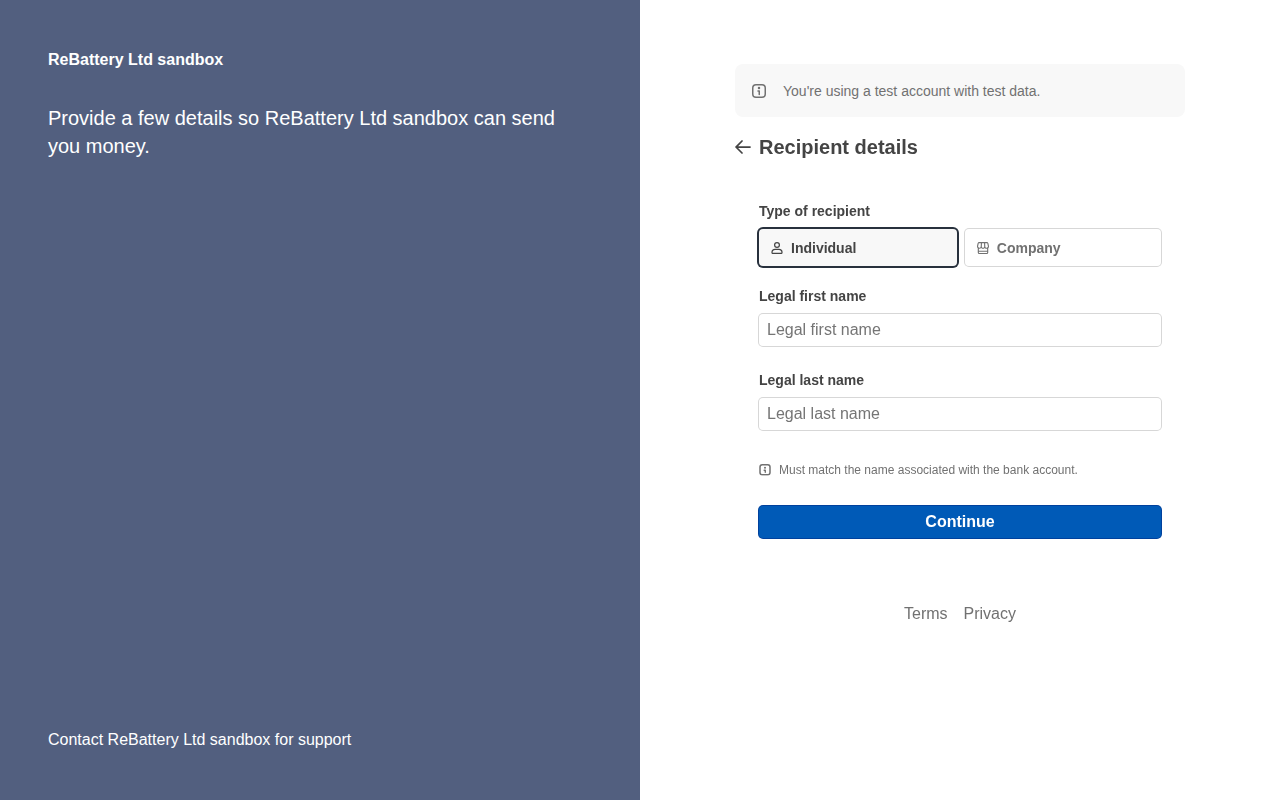
Step 4: Add Your Bank Account
Enter the bank account details, for example sort code and account number for a UK account. Enter the account number twice to confirm it.
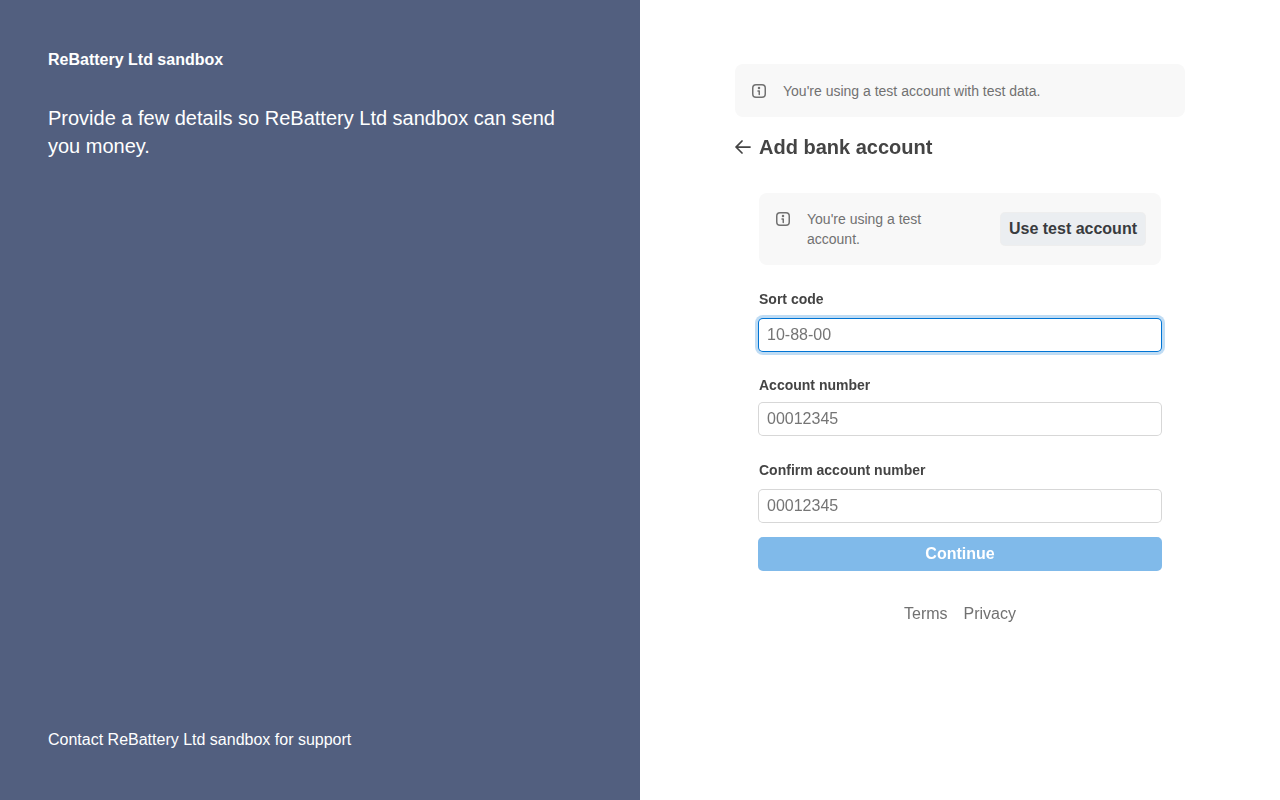
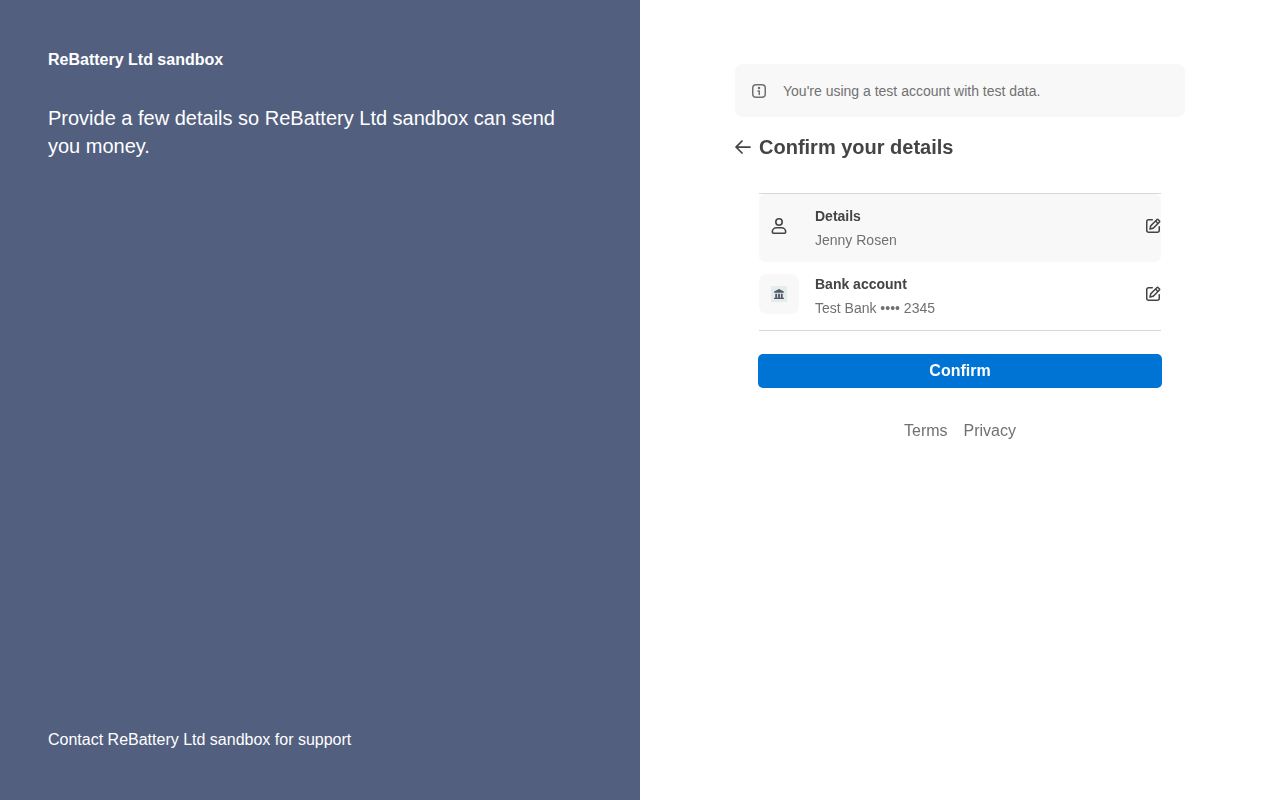
Step 5: Confirm
Check the details and select Confirm. Use the edit icons to change either section.
Step 6: Check Your Status
Stripe returns you to Settings → Billing. When setup is complete the badge shows Ready, with the last four digits of your account, country and currency.
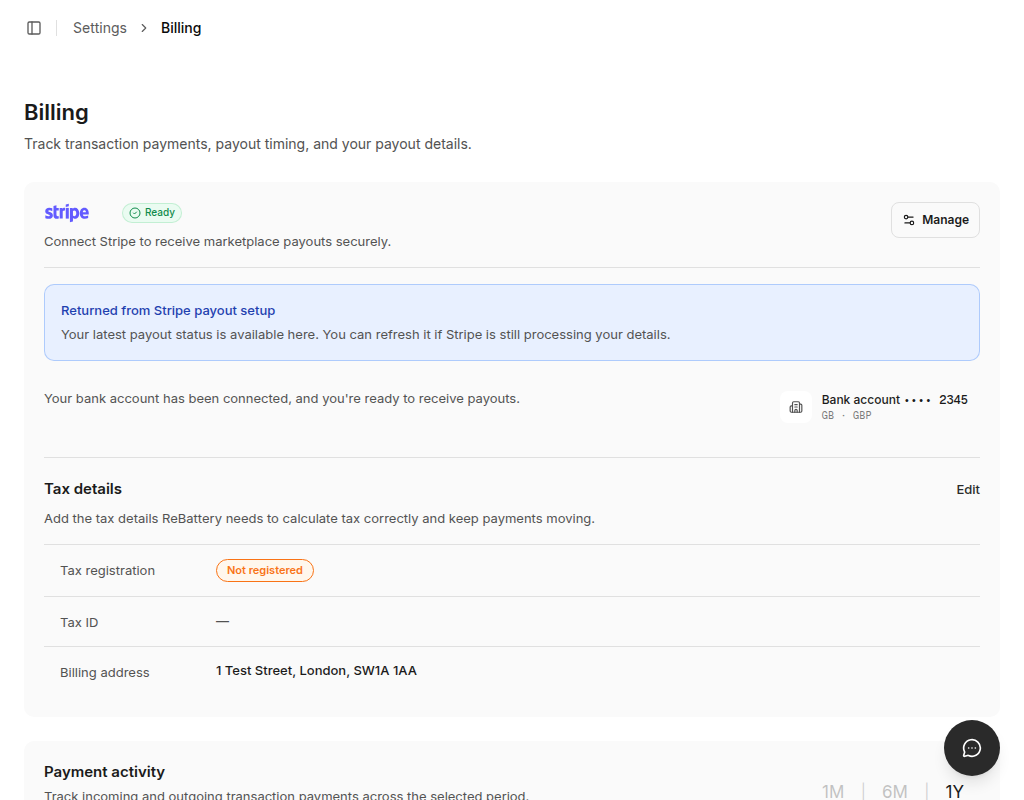
ReBattery stores only a safe recipient reference, status, country, currency and the last four digits. Stripe holds the full bank details.
If Setup Is Not Ready
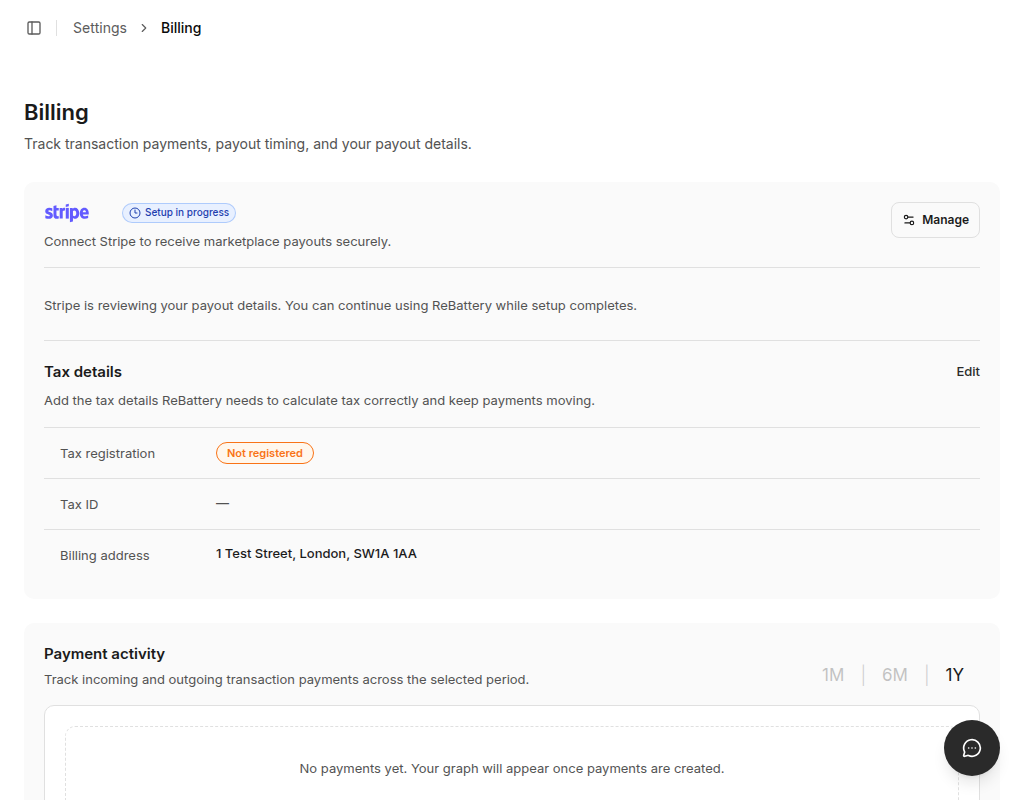
Setup in progress. Stripe is reviewing your details. Refresh the page after a few minutes.
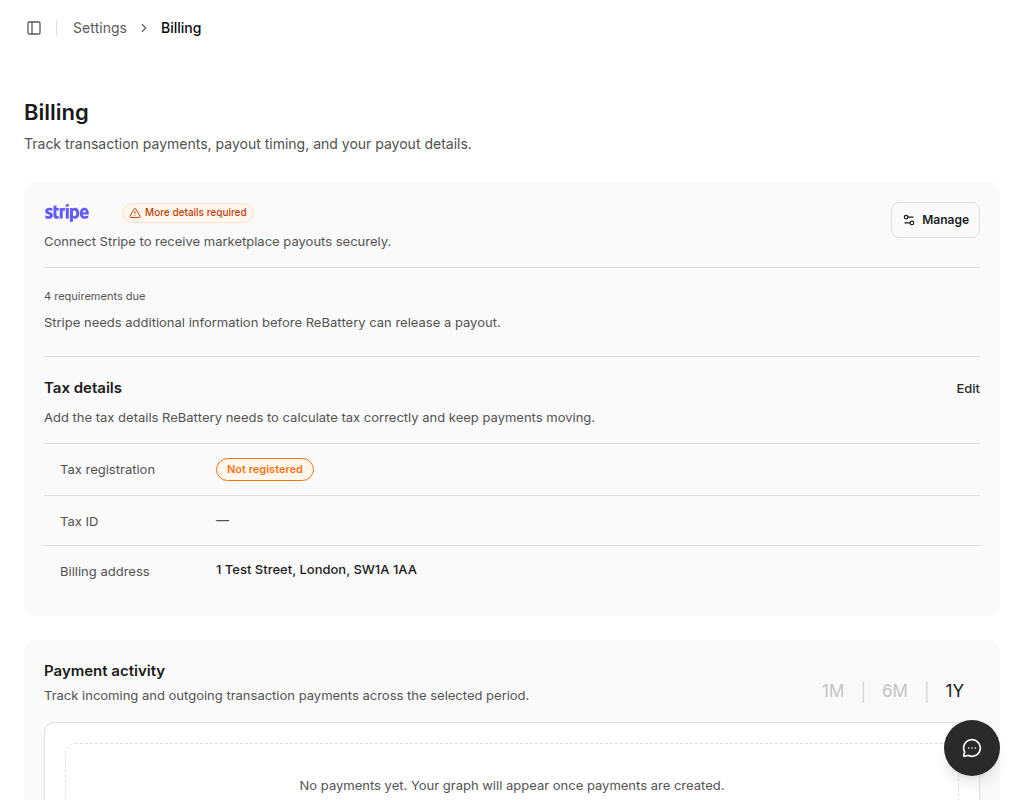
More details required. Stripe needs extra information, such as identity or business details, which vary by country and recipient type. Select the button on the card and follow the Stripe instructions.
Country And Currency
ReBattery sends payouts as a UK sender. Availability depends on your country, currency and payout method. ReBattery initially supports approved same-currency payouts and does not convert currency silently. If your transaction currency is not available for your bank, contact support.